The Growing Threat of Vehicle Scams on Facebook Marketplace
Facebook Marketplace has become a go-to platform for buying and selling used cars, offering convenience and a vast audience. However, this popularity has also made it a hunting ground for scammers. According to a 2024 estimate by UK-based TSB Bank, as much as one-third of listings on the platform could be fraudulent. For car buyers, the risk is particularly acute. Lloyds Bank reported that 68% of vehicle scams reported to it in the first half of 2023 originated on Facebook or Instagram. In 2025, vehicle and vehicle accessory scams constituted the largest category of purchase scams reported to Lloyds, with more than 70% of those scams starting on Meta-owned platforms. In the United States, the Federal Trade Commission (FTC) found that consumers lost more money to scams originating on Facebook in 2025 than on any other social media platform. Meta itself acknowledged the problem, stating that it removed over 159 million scam ads during 2025.
How Scammers Use Stolen Images
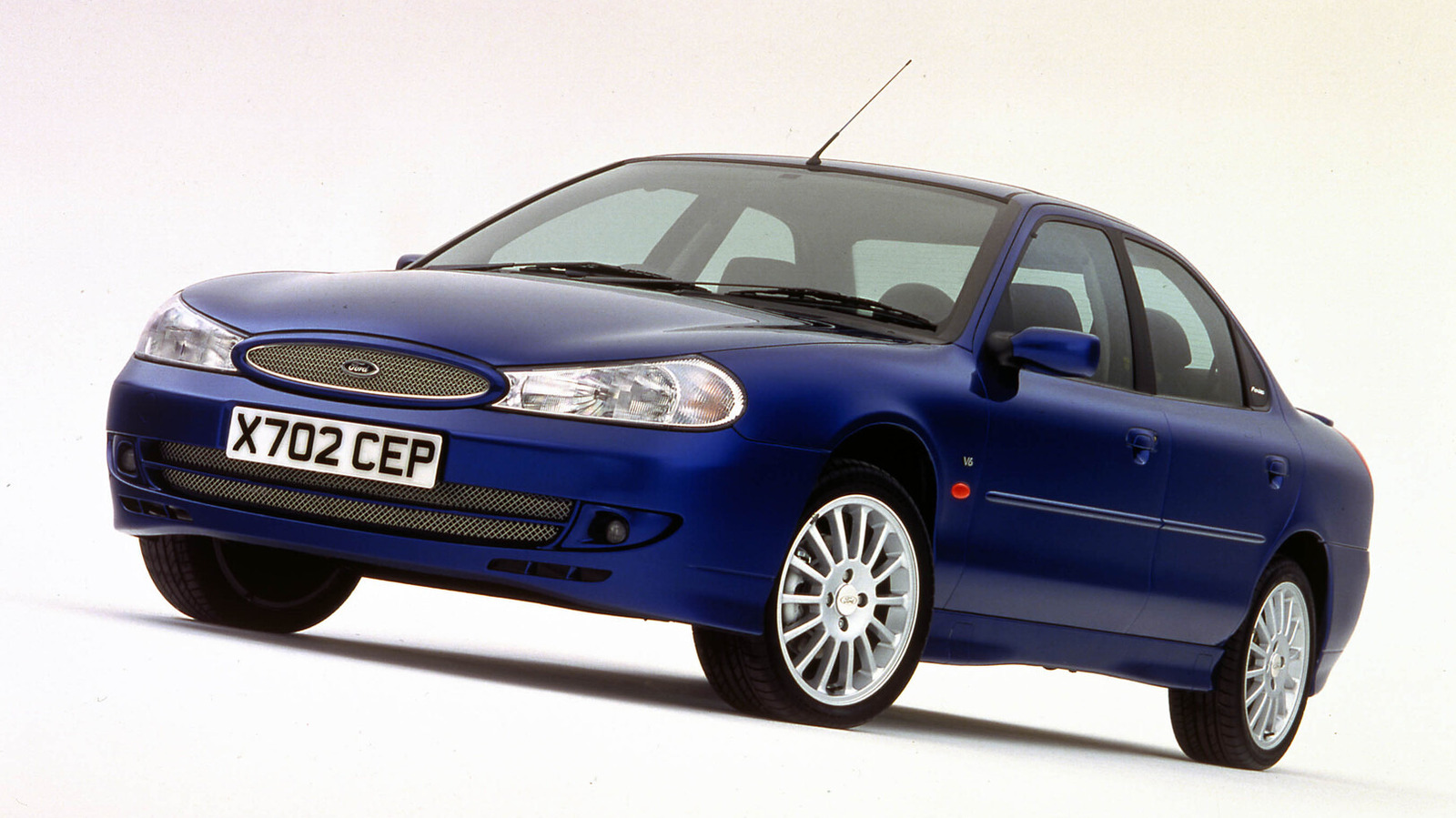
One common tactic involves scammers stealing images of cars from legitimate listings or other websites and reposting them on Facebook Marketplace as if they were selling the vehicle. This creates a convincing but fake listing that can lure unsuspecting buyers. A notable case in North Carolina saw scammers make $3 million using this exact method. The images often come from dealerships, private sellers, or even stock photos, making the fraudulent listings appear authentic. By the time a buyer realizes the car doesn't exist or is not as described, the scammer has already disappeared with the deposit or payment.
Why Reverse Image Search Is Your Best Defense
Reverse image search is a powerful tool that allows you to search the internet using an image instead of text. When you upload or link a photo, search engines like Google scan their indexes to find matching or similar images. If the car photo in a Facebook Marketplace listing has been stolen from another website, the reverse image search will likely reveal the original source. This can immediately alert you that the listing is fraudulent, saving you from financial loss and emotional distress. It's a simple, free, and effective way to verify the authenticity of a listing before you commit to contacting the seller or making any payment.
Step-by-Step Guide to Reverse Image Searching on Desktop
Performing a reverse image search on your computer is straightforward. Here's how to do it:
- Right-click the image in the Facebook Marketplace listing. A context menu will appear.
- Select "Search this image with Google Lens" if you're using the Chrome browser. This will open a new tab with Google Lens results.
- Alternatively, choose "Copy image address" from the context menu. Then go to Google Images (images.google.com) and click on the camera icon in the search bar. Select "Paste image URL" and paste the copied address, then hit Enter.
- Review the search results. If the same image appears on other websites, especially with different vehicle details or contact information, it's a red flag that the listing may be fraudulent.
How to Reverse Image Search on Mobile Devices
Mobile users can also perform reverse image searches, but there are some limitations. The most straightforward method is to use the Chrome browser on your phone:
- Open the Facebook Marketplace listing in Chrome (not the Facebook app).
- Press and hold on the image until a menu appears.
- Select "Search this image with Google Lens" from the menu. This will launch a Google Lens search.
- If you don't have Chrome, you can also save the image to your phone and then upload it to Google Images or use the Google Lens app directly.
Note that this feature may not work in the Facebook app itself, so using a mobile browser is essential.
Interpreting the Results
When you perform a reverse image search, you might see a variety of results. If the image is unique to the listing, you'll likely see no matches or only similar images. However, if the image has been stolen, you'll see identical images on other websites. Pay close attention to the sources of those matches. If the same car photo appears on a dealership's site, a different classifieds platform, or a previous listing with a different price, it's a strong indication that the Facebook Marketplace ad is fraudulent. Also, check the details: if the background, license plate, or other elements match exactly, it's almost certainly the same photo.
Additional Safety Tips for Facebook Marketplace Car Buying
While reverse image search is a crucial step, it's not the only precaution you should take. Here are some additional tips to protect yourself:
- Always meet in a public, well-lit place and bring a friend if possible.
- Inspect the vehicle in person before making any payment. Never send money in advance.
- Use secure payment methods that offer buyer protection, such as credit cards or escrow services.
- Check the seller's profile for red flags, such as recently created accounts or lack of activity.
- Be wary of deals that seem too good to be true—they often are.
Conclusion
Facebook Marketplace offers a convenient way to buy and sell cars, but it also attracts scammers looking to exploit unsuspecting buyers. By using reverse image search, you can quickly verify whether the photos in a listing are original or stolen, giving you a powerful tool to avoid fraud. Combined with other safety practices, this simple technique can help you navigate the platform with confidence and keep your hard-earned money safe. Remember: a few extra minutes of verification can save you from a costly mistake.
This article is based on reporting by Jalopnik. Read the original article.
Originally published on jalopnik.com