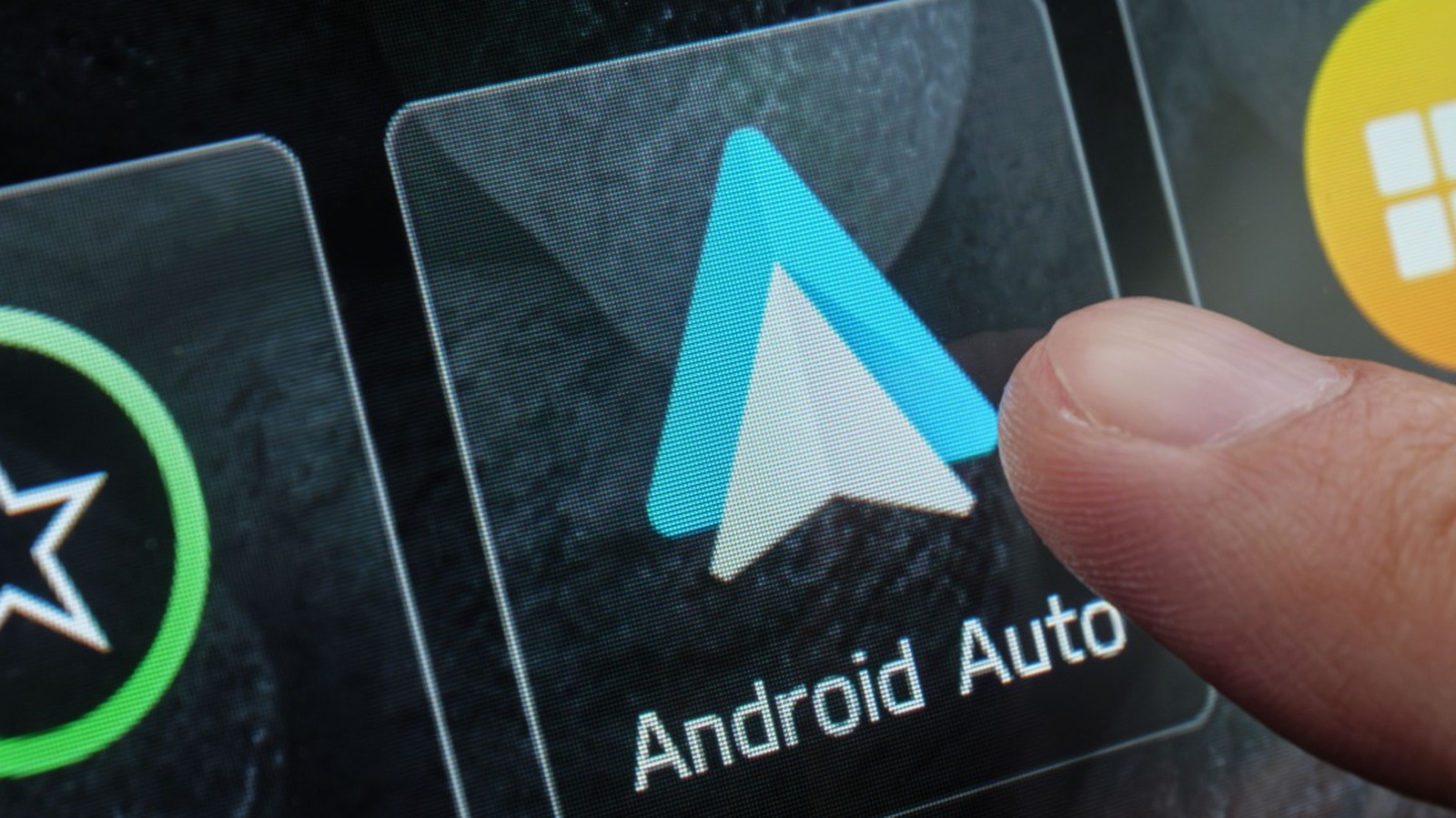
A small cable with outsized consequences
Android Auto feels like a software feature, but one of its most common failure points is a piece of hardware many drivers barely think about: the USB cable. According to the supplied source text, intermittent disconnects can come down to cable quality, length, shielding, data capability and device compatibility.
That may sound mundane, yet it points to a larger truth about connected cars. Even as dashboards become more software-driven, the user experience still depends on the quality of physical links between phone, car and infotainment system. A cable that charges a device perfectly well may still be unsuitable for a stable Android Auto session.
The problem with “if it fits, it works”
The source describes a common habit among users: treating USB cables as interchangeable. In many cases they are not. Google’s own guidance, as cited in the piece, says a “high-quality” cable should be used, even if that phrase leaves room for interpretation.
The article provides several practical markers. A suitable cable should support data, not only charging. It should be able to handle at least 480 megabits per second, and it should have enough shielding to protect internal wires from interference. Braided cables are singled out as often offering good shielding and durability.
That combination matters because Android Auto does not just pass power. It needs a continuous data link strong enough to move information reliably between the phone and the vehicle’s system. If that link weakens, the result is not subtle. Music cuts out, navigation disappears and the connection can fail in the middle of a trip.
Length matters too
The source text also points to cable length as a real factor. Google recommends that the cable not exceed 3 feet. The reason is straightforward: longer cables can introduce more electrical resistance, especially if the wire gauge is not robust enough to compensate. A longer cable also creates more opportunities for wear through kinks, pinching and fraying.
From the driver’s perspective, this means convenience can work against reliability. A longer cable may be easier to route around the cabin, but it can also increase the chances of signal degradation or physical damage over time. In a feature that users expect to behave instantly and invisibly, even a small drop in connection quality can be enough to create repeated disconnects.
Not every USB cable carries data
One of the most useful points in the source is also one of the easiest to overlook: some USB cables are only capable of charging. If a phone charges normally but Android Auto will not connect, that may be the issue.
That distinction reflects the uneven quality of cables in the broader consumer electronics market. To many people, a cable is a cable. In practice, products that look nearly identical can support very different functions. In the car, where drivers often rotate through spare cables from home, office or older devices, that mismatch can create persistent problems that appear to be software bugs.
What about USB 2.0 versus 3.x?
The source explains that USB 2.0 is usually sufficient for Android Auto because it can handle up to 480 Mbps. Users with higher data demands may prefer USB 3.2, but there is an important limitation: to get full USB 3.2 transfer speeds, both the port and the cable need to match that standard. Mixing newer and older components is possible, but performance will fall back to the lower standard.
That does not mean every driver needs to chase the latest specification. It does mean that the ecosystem is less plug-and-play than it appears. Phone connector type, car hardware, head unit support and cable quality all interact. A setup that works perfectly with one phone may not work as well with another.
The safest option is still the simplest
The source’s practical conclusion is familiar but sound: use the cable that came with the smartphone when possible, or follow the manufacturer’s recommendations. That advice matters because the original cable is more likely to meet the phone maker’s expectations for charging, shielding and data transfer.
For drivers, the larger takeaway is that modern vehicle tech can fail for low-tech reasons. Android Auto may be one of the most used features in the cabin, but its reliability still depends on basics like cable construction, connector quality and physical wear.
That is not a glamorous lesson, but it is a useful one. The next time an in-car connection drops without warning, the fault may not be the vehicle, the phone or the app. It may be the thin strip of wiring between them.
This article is based on reporting by Jalopnik. Read the original article.
Originally published on jalopnik.com