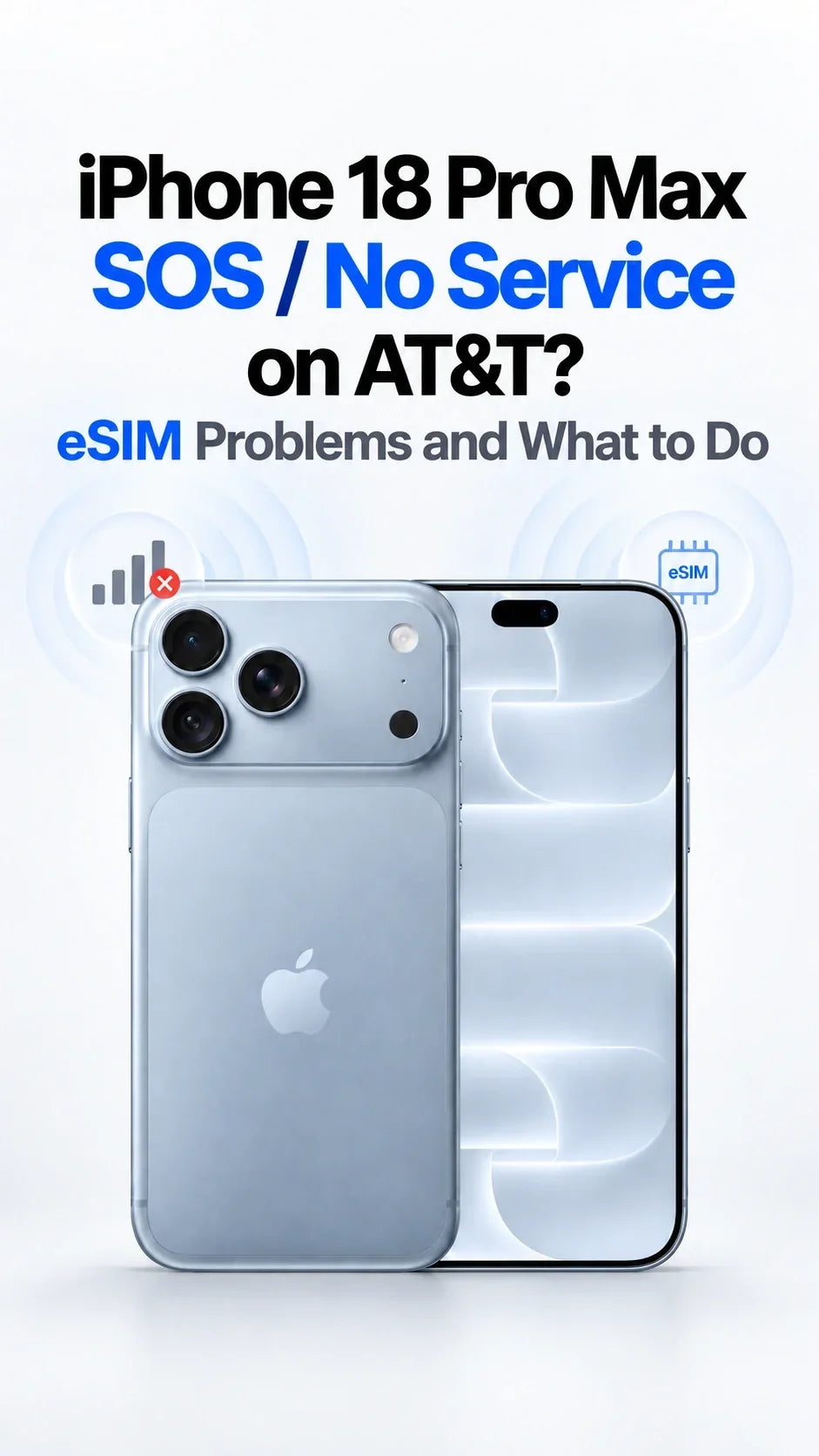
Apple has confirmed that some iPhone 18 Pro Max owners on AT&T are dealing with a connectivity failure rooted in the hardware itself, not in software. The acknowledgment, reported by Engadget, is significant because it moves the problem out of the "try restarting your phone" category and into the realm of device replacement. Owners who have watched their handset drop into SOS mode — the state where the phone can still reach emergency services but has lost its normal cellular connection — now have an explanation for a problem that would otherwise look like a carrier outage or a bad SIM.
For a flagship device, an admission of this kind is unusual. Modern iPhone launches are preceded by months of carrier testing, and connectivity bugs are more often patched through software updates than settled with hardware swaps. When a company confirms a hardware issue tied to a specific network, it generally means the defect cannot be fully resolved with firmware, and that affected units need to be physically replaced.
What SOS Mode Actually Tells You
SOS mode is one of the more confusing signals an iPhone can display. It appears in the status bar when the device cannot maintain a connection to any cellular network it is authorized to use. The phone is not bricked, and it is not necessarily out of range. Emergency calling may still work, and Wi-Fi calling can sometimes bridge the gap. But ordinary voice calls, texts over the cellular network, and mobile data stop functioning as expected.
Because SOS mode can be triggered by so many different conditions, it functions as a symptom rather than a diagnosis. Among the possible causes:
- A genuine coverage gap or a local cell-site outage.
- A carrier account or provisioning problem, including an inactive line or a billing hold.
- A damaged or improperly seated SIM, or an eSIM profile conflict.
- Software bugs introduced by an operating system update.
- A fault in the modem or antenna assembly, which is the category Apple has now pointed to for this case.
That last possibility is the one owners cannot fix themselves, and it is the reason the current situation has escalated to replacement discussions rather than troubleshooting tips.
Hardware Versus Software: Why the Line Matters
When a phone loses its network connection, the instinct — both for users and for support agents — is to look at software first. Resetting network settings, reinstalling an eSIM, or waiting for a carrier settings update are all cheap fixes that resolve a large share of real-world complaints. They are also, crucially, fixes that do not require shipping hardware.
The Cost of Getting It Wrong
If the underlying cause is physical, software remedies cannot succeed. Users cycle through resets, lose days to support chats, and sometimes pay for service they cannot use. Confirming a hardware origin short-circuits that loop and gives buyers a defined remedy. It also shifts the financial burden onto the manufacturer's warranty process rather than leaving it with the customer.
For Apple, the calculation is straightforward. Acknowledging a defect is uncomfortable, particularly for a premium handset, but a drawn-out period of denials tends to generate more scrutiny than a clear statement and a replacement path.
Who Needs a Replacement
According to the report from Engadget, Apple has outlined which owners are eligible for a replacement rather than a repair or a software fix. The practical test for anyone affected is whether their iPhone 18 Pro Max persistently falls into SOS mode on AT&T despite standard troubleshooting — and whether the device falls within the scope Apple has identified.
Owners who believe they qualify should take a few concrete steps:
- Confirm the device model and carrier, since the issue is tied to the iPhone 18 Pro Max running on AT&T.
- Document the problem in detail — screenshots of SOS mode, timestamps, locations, and any existing support case numbers.
- Rule out the ordinary culprits first, so a hardware diagnosis is not obscured by a separate account or coverage issue.
- Contact Apple support directly and reference the acknowledged issue rather than describing the symptom from scratch.
- Ask explicitly about replacement options under warranty and about how data transfer to a new unit will be handled.
Keeping a paper trail matters. If a replacement is delayed, a record of when the problem started and what was already attempted makes escalation considerably easier.

The Bigger Picture
Connectivity defects that appear only on one carrier are a reminder of how much a modern phone launch depends on interoperability testing. A handset has to work across dozens of networks worldwide, each with its own band combinations, roaming agreements, and configuration profiles. Something that performs flawlessly in a lab, or on one operator's network, can still behave differently once it meets another carrier's real-world infrastructure.
That complexity cuts both ways. It explains why some faults escape pre-launch testing, and it explains why manufacturers are often slow to attribute a problem to hardware — the initial evidence usually looks like a network issue, not a device one. Sorting out which side of the handoff is responsible takes carrier data, returned units, and time.
For iPhone 18 Pro Max owners on AT&T, the immediate takeaway is unglamorous but useful: if the phone keeps dropping into SOS mode, the remedy may involve a new device rather than a new setting. Anyone affected should treat Apple's acknowledgment as the starting point for a warranty conversation, and should keep their documentation close at hand until the situation is resolved.
This article is based on reporting by Engadget. Read the original article.
Originally published on engadget.com